RentPro / Workflow
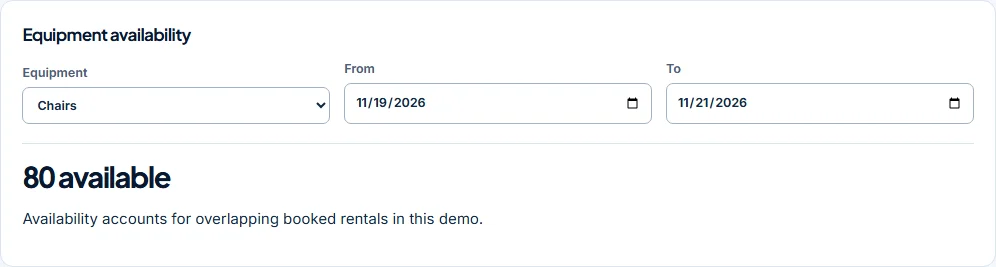
Check the available quantity across the whole event.
RentPro compares booked quantities with sample stock on every day of the requested rental period. A booking is rejected if the requested quantity exceeds the minimum availability.
Work through the example.
- Choose equipment
- Choose start and end dates
- Check availability
- Add the booking
Understand the calculation.
One overlapping booking
With 100 chairs in the sample stock, a booked rental for 20 leaves 80 during the overlapping dates. A new request for 81 is rejected. A request for 80 can be added if there are no additional conflicting bookings.
The fictional inventory contains 100 chairs, five tents and 20 tables. Availability checks count booked rentals on inclusive dates. Completed bookings no longer hold stock in this preview.
Continue through the job.
This is a sample planning tool. It does not track delivery trucks, equipment condition, damaged stock or real customer payments.
Explore before registering.
RentPro is in early-access validation. You can use the free preview and consider the proposed one-time price before sharing purchase interest.